SHOWCASE
AI Video Examples
See what you can create with Indepra. A few examples to get you started — explore the tools to discover more.
Text to Image
Describe an image in text and generate it.
Output
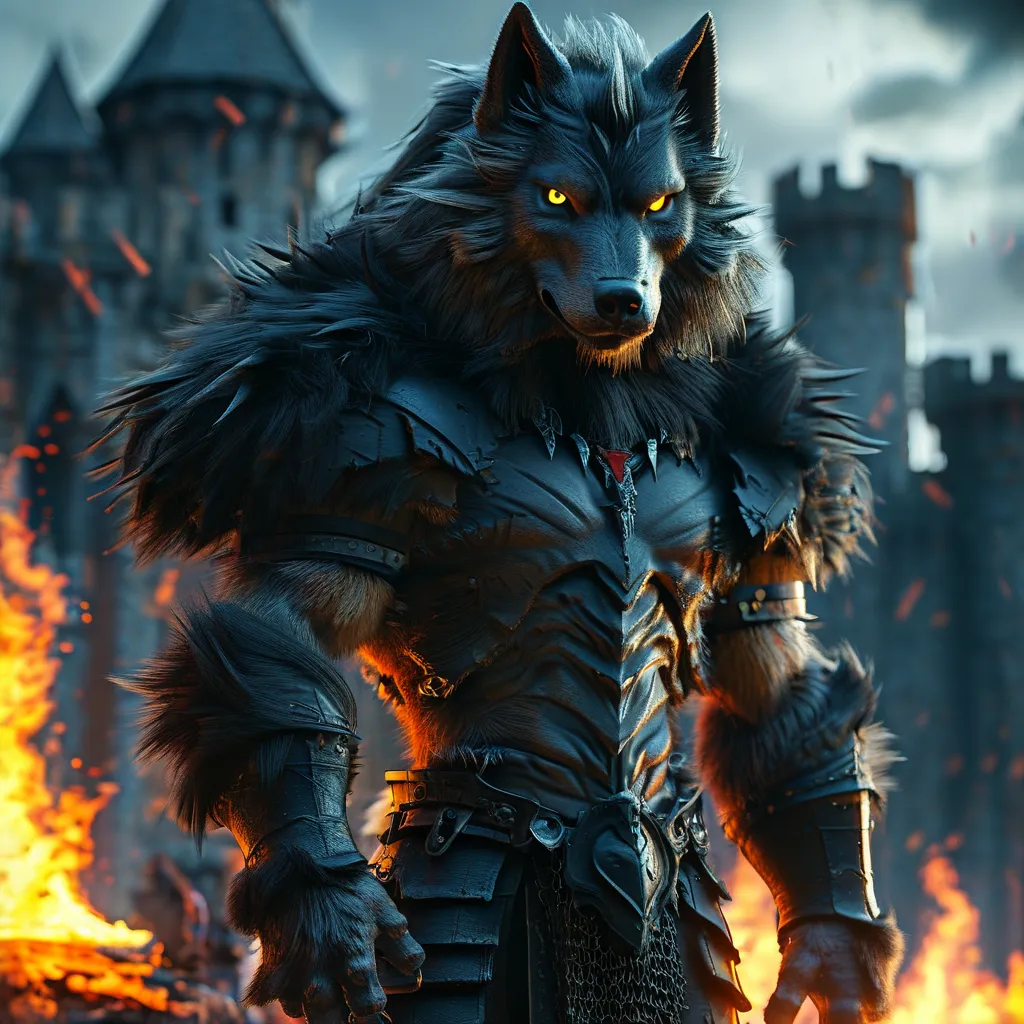
Example title goes here
A giant humanoid wolf warrior standing on two legs, muscular human body covered with dark fur, wolf head, glowing red eyes, sharp fangs and claws, wearing torn black armor. Standing in front of a burning medieval castle at night, full moon, massive flames, smoke and storm clouds, dramatic cinematic lighting, epic Hollywood fantasy movie, photorealistic, ultra detailed, wide shot.Try this tool →
Text to Video
Describe an idea in text and generate a video with no image or audio input.
Output
Epic Robot in a Burning City
A giant futuristic robot walks through a burning city at night. Massive explosions erupt between skyscrapers as smoke and debris fill the streets. The robot slowly raises its head toward the camera while helicopters fly through the smoke. The camera moves forward dramatically, cinematic lighting, epic scale, Hollywood blockbuster, photorealistic, intense atmosphere.Try this tool →
Image to Video
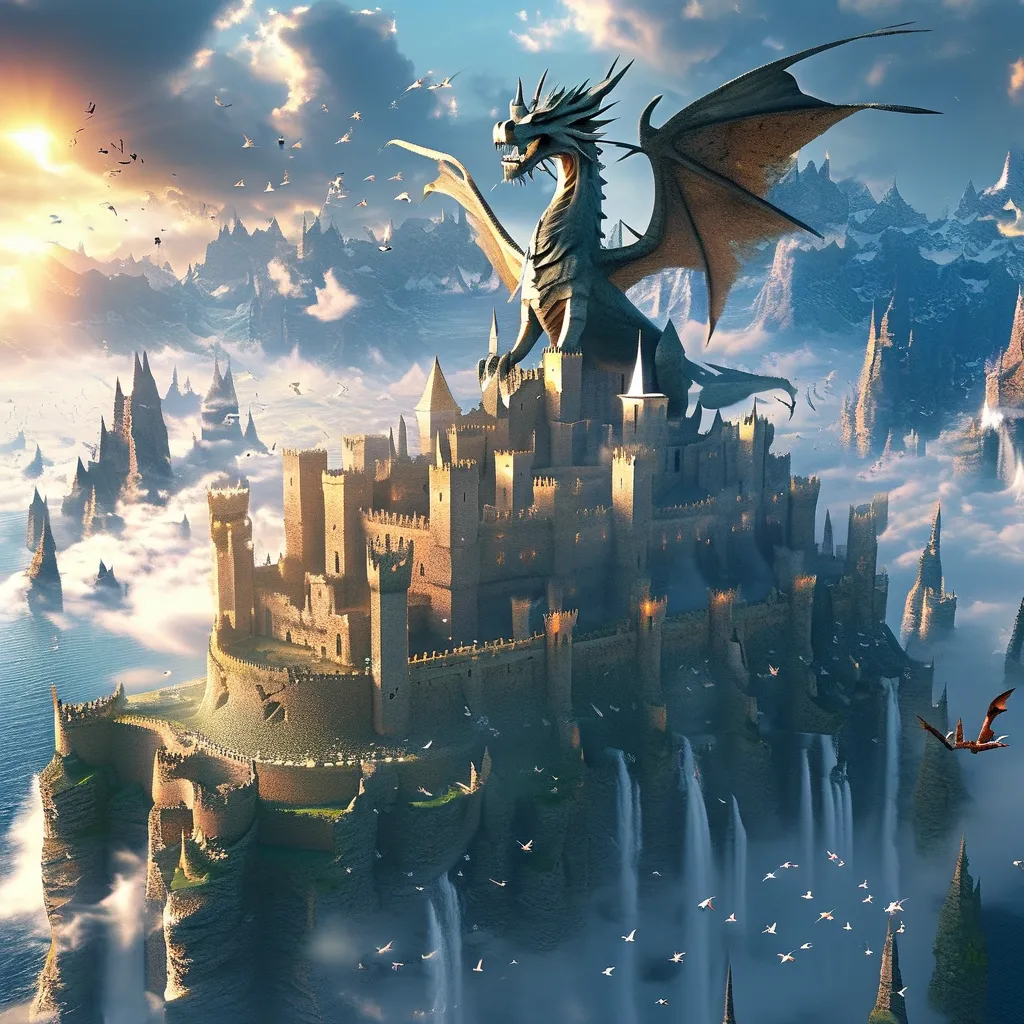
Upload one image and describe motion, camera and atmosphere.
Input
Output
Floating Castle Above the Clouds
The clouds slowly move across the mountains as powerful wind sweeps through the floating castle. Birds fly rapidly through the valley, waterfalls continue cascading into the clouds, and distant storm clouds begin to swirl. The camera slowly pushes forward toward the castle and rises above the clouds, revealing more of the enormous landscape. Golden sunlight breaks through the moving clouds, creating dramatic cinematic light rays. Epic scale, realistic natural motion, Hollywood fantasy movie.Try this tool →
Motion Retargeting
Transfer motion from a reference video onto your character.
Character
Reference
Output
Lip Sync
Animate an image and synchronize mouth movement with audio.
Input
Output
Note: All examples shown are generated with Indepra workflows. Results may vary depending on prompt, input materials and workflow. Explore the full toolset to discover more.